
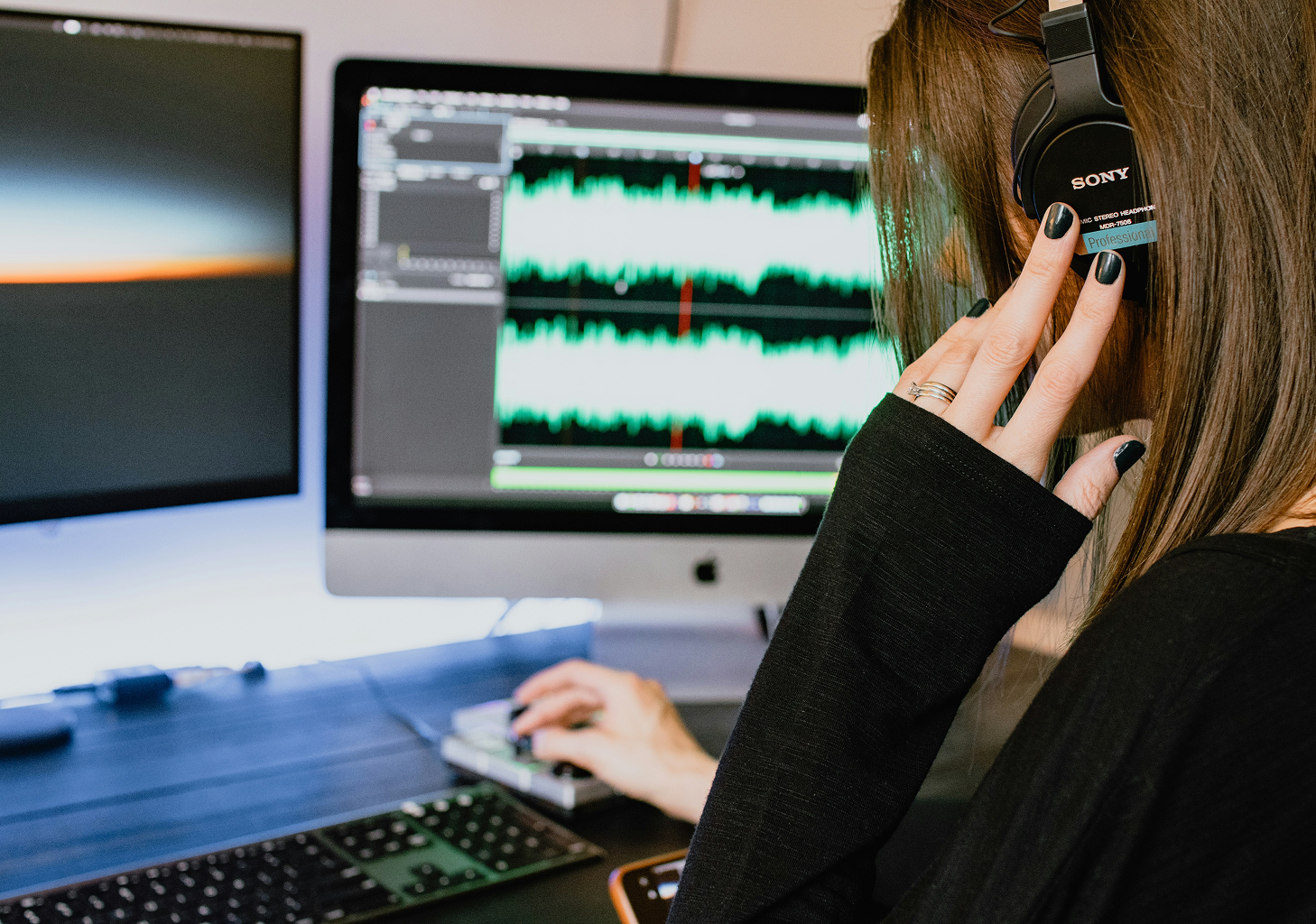
Editing is important to make your podcast sound professional. It’s about fixing mistakes and making your episode smooth and fun to listen to. Knowing how to edit a podcast is helpful, whether you’re new or experienced.
Start by choosing editing software such as Audacity, GarageBand, or Adobe Audition. Then, cut out mistakes and pauses, fix sound issues, and add music. With practice, you’ll edit faster and better.
If you don’t have much time or don’t feel confident editing, a professional can help a lot. Many podcasters outsource audio editing because it takes a lot of time. You just record your episode, and someone else does the editing for you.
That’s where freelance podcast editing services help. They match you with expert editors who handle the technical work. You create the content, and they make your raw audio clean and high-quality in a few days.
The benefits? You get steady quality, expert help, and more free time.
Whether you make a weekly show or a new series, a freelancer can keep you on track and make your podcast sound great. They also handle podcast post-production - like volume leveling, compression, and noise cleanup.
Podcast Editing Tips
Editing doesn’t have to be hard. A few simple steps can help you work faster and get better results. If you want to clean up podcast audio or improve sound quality, try these tips:
- Use markers while recording
Clap or use verbal cues to mark mistakes or breaks. This makes editing faster later. - Start with a cleanup pass
Remove long silences, filler words, and background noise first. It sets a clean foundation. - Keep it natural
Don’t cut too much. Pauses and real emotion help your podcast feel more real and relatable. - Level your audio
Make sure all voices are consistent in volume. This improves the listener experience. - Use EQ and compression wisely
These tools help balance the sound. Discover how to use them to make voices clearer. - Add your intro and outro last
Once the main episode is polished, add your branding elements at the beginning and end. - Export to the right format
Always save your final file as an MP3. Use a bitrate between 128 and 192 kbps - this works best for podcast platforms.
Small changes in how you edit can make a big difference. Simple habits can help your podcast sound better with each episode.

Editing is what turns a good podcast into a great one. Whether you edit on your own or use freelance podcast editing services, it helps to understand the process. This gives you more control over how your podcast sounds.
Try using these podcast editing tips and build a workflow that works for you. With practice, you’ll edit faster and feel more confident with every episode.
Need help getting started or ready to let someone else handle the editing? Reach out to Start Podcast. We’re here to guide you from start to finish.