

The right editing software can change how your podcast sounds. It helps fix mistakes, clean up audio, and make episodes smooth. That’s why many creators look for the best podcast editing software before starting.
Good software saves time and makes editing easier. Beginners and pros alike benefit from the right tools. Some are simple, others have advanced features. Let’s see what makes certain programs stand out and how to choose the best one for you.
Free Podcast Editing Software
Not every creator wants to pay for tools right away. That’s why free podcast editing software is so popular. These tools let you try basic editing without paying. You can practice, learn, and find what works best for you.
Here’s a list of great free podcast editing programs:
- Audacity - A long-time favorite for beginners. It’s easy to use, free, and full of tools to trim and clean your podcast audio.
- GarageBand - Available on Mac devices. It’s one of the best podcast editing apps for Mac and Windows alternatives and perfect for those who want an easy start.
- Ocenaudio - Lightweight and user-friendly. Perfect for fast edits and removing noise.
- WavePad (Free Version) - Handy for trimming, mixing, and simple mastering.
- Podcastle (Free Plan) - A browser-based tool with recording, editing, and export features.
These programs help you learn editing basics. You can practice cutting, adjusting sound, and adding music. When you’re ready, moving to advanced tools will be easy.
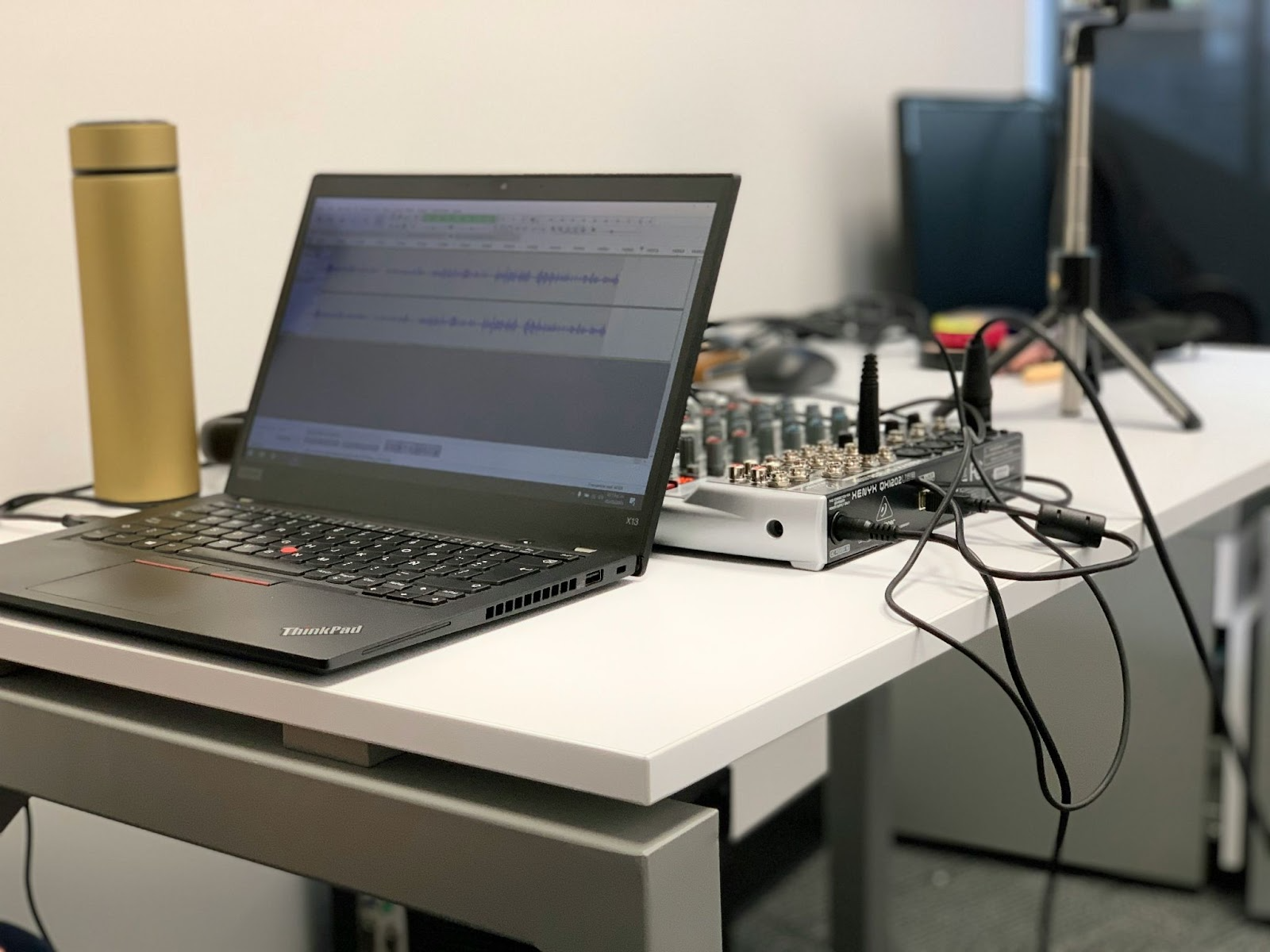
Top Podcast Editing Tools
As your skills grow, it makes sense to move on to the top podcast editing tools. These tools help professionals create clear, high-quality podcasts. They do more than cut audio - they add balance, depth, and flow.
With advanced podcast mixing and mastering software, you can remove noise, adjust voices, and use effects. They work well for bigger projects with interviews, music, or detailed stories.
Popular choices include:
- Adobe Audition - One of the most trusted professional audio editing apps for podcasters. It offers advanced podcast post-production software features like multitrack editing and mastering tools.
- Hindenburg Journalist - Designed for podcasters and storytellers. It makes editing easy, even if you’re not a sound engineer.
- Reaper - Affordable and powerful. It lets you use plugins, make precise edits, and handle long recordings.
- Logic Pro - A natural step up from GarageBand. Great for Mac users who want more control.
- Pro Tools - A studio-standard program used by professionals. Perfect for detailed work and advanced post-production.
These programs are more advanced than beginner tools, but they let you achieve higher-quality sound. With them, your podcast can be polished, clear, and ready for listeners.
Final Thoughts
Your choice depends on your goals, budget, and experience. The most important thing is to pick software that helps you focus on your story and sound.
Whether you start with free tools or paid software, remember: great podcasts come from practice and creativity. Editing is just a tool - your voice and ideas make the difference.